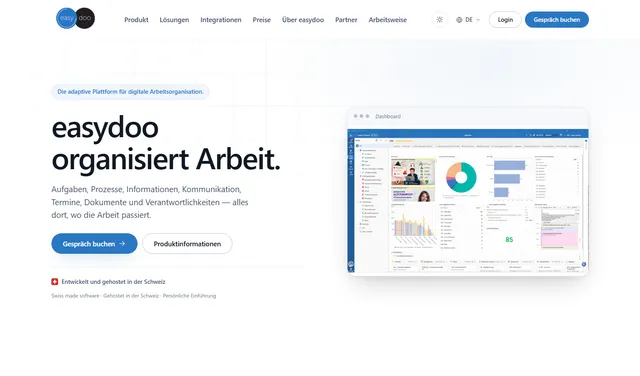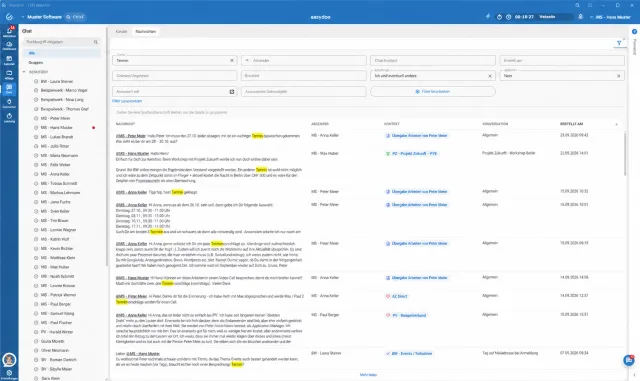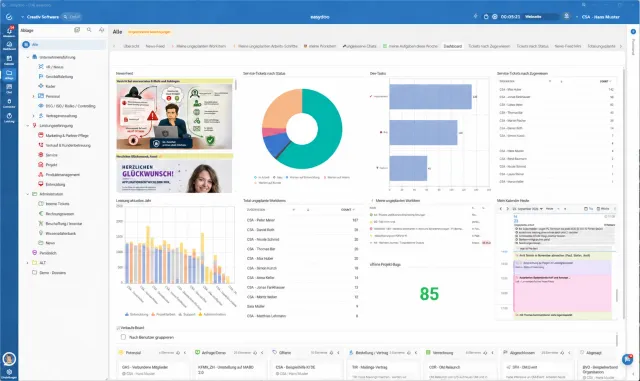

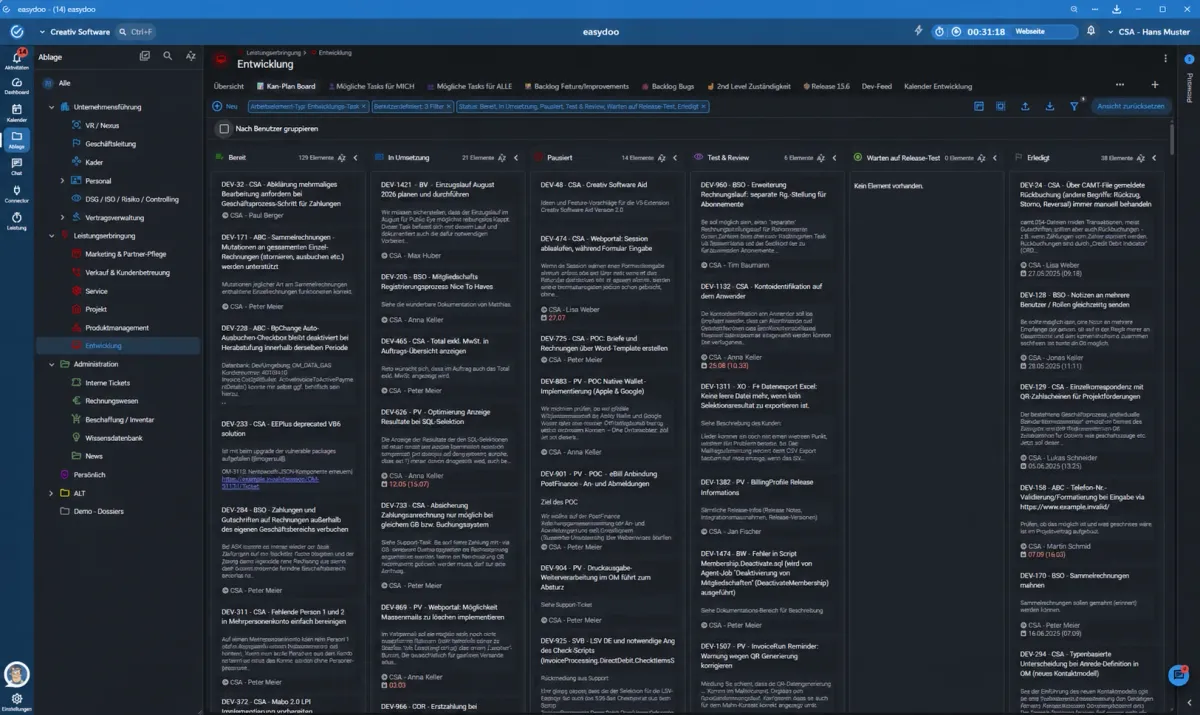
easydoo has received an update: the interface has a refreshed look, and a new Dark Mode can now be enabled in your personal settings.
What’s new
- Refreshed design: a clearer look with a calmer overall appearance, so the work context stays in the foreground.
- Dark Mode: under Settings → User, the interface can now be switched to a dark colour scheme.
- The choice applies per user account and persists across future logins.
What this means day to day
Anyone who prefers working in a darker environment — in the evening, say, or in low ambient light — can now set that themselves, with no effect on other users. Nothing changes in how easydoo is structured or how it works day to day.