

AI in easydoo
AI works alongside you. By your rules.
easydoo organises the collaboration of people, systems and AI agents in one shared work context. AI takes over tasks wherever you want it to and wherever it makes sense — by the same rules as your team: with the same processes and permissions, and traceable at all times.
Developed and hosted in Switzerland
The principle
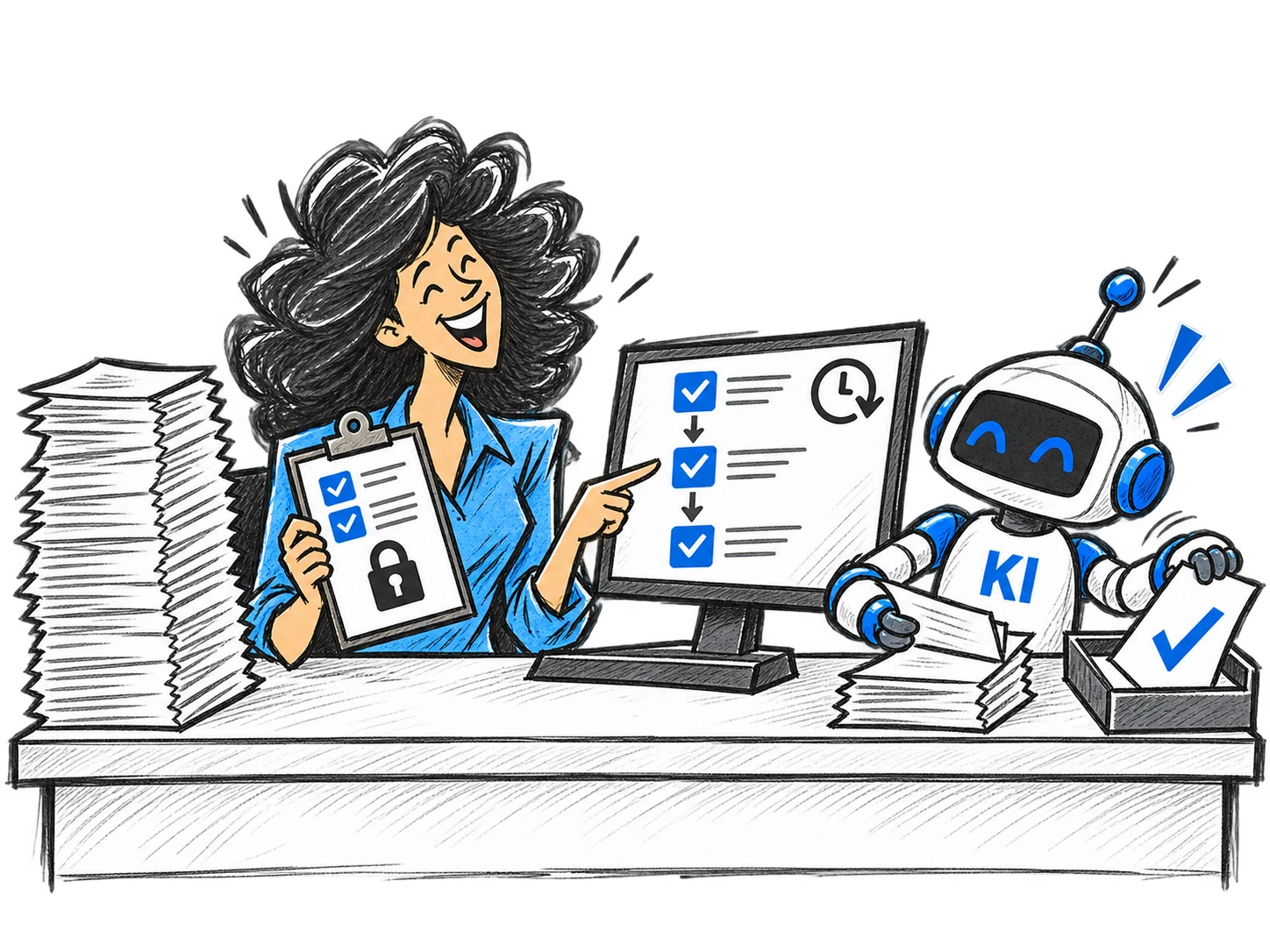
AI follows the same rules as people.
Whether a person or an AI plans and documents: work organisation stays the same. There is no second, invisible layer next to the actual work.
-
The same work organisation
AI works with the same work items, work steps, appointments and documents as your employees.
-
The same permissions
AI only sees and edits what the role and permission system allows it to see and edit.
-
Full traceability
Whatever AI plans, changes or documents is visible in the work context and in the history.
-
Responsibility stays with people
An agent can take on a work step like a team member. A person remains responsible for the result and the approval.
Example
Re-plan my work — on command.
With the prepared AI scenario “Re-planning”, easydoo reviews your open work items on your command, prioritises them, asks where something is unclear and supports re-planning or follow-up planning of all tasks.
We are bringing the AI automations with the Q4/2026 release.
The result is a perfectly normal easydoo plan: the same work steps and appointments a person would have planned — visible to everyone involved.
Read the article: AI plans with us — by our rulesStart re-planning
- You
1 Start the scenario
You start the included AI scenario “Re-planning” — or one you have defined yourself.
- AI
2 Review open work
AI reads your open work items and the work steps that still need to be done.
- AI
3 Prioritise
It weighs deadlines, dependencies, commitments and your available time.
- AI
4 Ask follow-up questions
Where information is missing or priorities clash, AI asks instead of guessing.
- Follow-up question from AI
«The quote for customer A and the closing for customer B are both due on Friday. There is not enough time for both. Which has priority?»
- AI
5 Propose a plan
It proposes a re-plan or follow-up plan for the affected tasks.
- You
6 Review and apply
You review the proposal, adjust it and apply it. Every change stays traceable.
Agents in the process
An agent works in the process — like a team member.
In easydoo, AI agents do more than carry out single commands. They take on work steps in a process — with the same work items, permissions and rules as your team. Where a decision is needed, a person takes over.
We are bringing the AI automations with the Q4/2026 release.
The agent does not work next to the process but inside it: with a clearly assigned user, defined permissions and a traceable log. A person remains responsible for the result and the approval.
Read the article: From org chart to orchestration chartProcess “Customer request”
- easydoo
1 Request comes in
A customer request arrives by email or form and is captured as a work item.
- Agent
2 Assign
The agent assigns the request to the right customer, topic and process.
- Agent
3 Research
It reads earlier orders, documents and agreements in the work context.
- Agent
4 Draft
It writes a reply or quote as a draft.
- Person
5 Review and approve
The responsible person reviews the draft, adjusts it and approves it.
- Agent
6 Send
The agent sends the approved reply.
- easydoo
7 Document
easydoo records the result in the work item — the process continues with the next step.
Work context
Why AI works better in easydoo.
AI is only as good as the context it knows. In easydoo, it does not just search documents — it sees the relationships in which your work actually happens.
- Person
- Order
- Organisation
- Document
- Appointment
- Communication
- Decision
- Process
-
Relationships, not search hits
AI knows which customer a document belongs to, which order depends on it and who decided what.
-
Current state, not a copy
It works with the work items as they are right now — not with last week’s export.
-
Only what it may see
Which relationships AI can see is controlled by the same permission system that applies to your team.
AI scenarios
Your knowledge — captured once, used everywhere.
An AI scenario captures how your organisation does a particular piece of work. Proven knowledge no longer sits in individual heads or loose prompts, but is available to every process that needs it.
Prepared scenarios are included, and you define your own — and improve them in one place for all processes.
Example scenario
Review a foundation grant application
- Rules
- Funding criteria, exclusion reasons, deadlines
- Knowledge sources
- Foundation regulations, earlier decisions
- Instruction
- What is checked and in which order
- Result
- Structured assessment with a recommendation
- Quality criteria
- When AI asks instead of deciding
Used in the processes
- Application intake
- Follow-up review
- Annual report
You decide
AI where you want it.
For AI scenarios in easydoo: prepared scenarios are included, and you define further ones yourself. You decide where AI is used and how far it may go.
-
Where AI works
For which processes, tasks or work steps an AI scenario is available.
-
What AI may see
Which information AI can access — controlled by the existing permission system.
-
How far AI goes
Whether AI only proposes, asks first or completes work steps on its own.
-
Who the agent is
Bots and agents connected via the API work with their own identity and role. AI scenarios run as the signed-in user — or as another user you authorise in the scenario. So it is always clear who did what.
-
When a person decides
Approvals and escalations define where the agent stops and hands the work to a responsible person.
-
What is logged
Every action of an agent is recorded in the activity log — complete and traceable.
Your own bots via the API
Bots outside easydoo follow the rules too.
If you use your own bots or agents via the REST API, you are responsible for making sure they work correctly. easydoo sets technical rules for this, so their work stays traceable as well:
- A bot always works on its own task, to which everything it does relates.
- When it completes a task, it provides documentation of what it has done.
Transparency
What you can see at any time.
- Which work which agent has taken over
- What it has planned, changed or documented
- Who is responsible for a work item
- Where the work stands — no matter whether a person or AI worked on it last
- Which AI provider your organisation uses
AI may take over work. But it must never be a black box.
Options & status
How AI gets into your work organisation.
What already works today — and what comes next.
- Available
AI scenarios in easydoo
Prepared AI scenarios such as “Re-planning” are included, and you define further ones yourself. To do so, you connect your AI provider’s account via API.
- Available
Your own bots and agents via the REST API
Through the REST API, your own bots, assistants and agents work with easydoo — with the same permissions as everyone else. Technical rules ensure that every bot works on its own task and documents what it has done.
- In development · Planned for end of 2026
MCP: easydoo made understandable for AI models
The REST API is being extended with the Model Context Protocol (MCP), the open standard for AI connections. AI assistants such as Claude, ChatGPT or Copilot will then understand on their own what they can do in easydoo — for example: “Find the Müller file, show the open orders, create a new order and start the quote process.”
- In development · Planned for end of 2026
Set up processes and workspaces with AI
Describe how you work — easydoo sets up new processes or an entire workspace from it. You review, adjust and get started.
Your AI, your choice
You decide which AI you use.
easydoo does not tie you to a specific AI provider. You connect your own account — and stay in control of where your data goes.
easydoo itself is developed and hosted in Switzerland.
-
Your own AI account
You connect the AI provider of your choice via its API. Your own agreements with that provider apply.
-
Clear data flows
Information only goes to an AI when an AI scenario processes it — and only to the provider you have connected.
-
Under evaluation: AI from Switzerland
We are evaluating offering an AI hosted in Switzerland directly through easydoo — for organisations whose data should not leave Switzerland.
Frequently asked questions
Frequently asked questions about AI in easydoo
What does AI do in easydoo?
AI agents work within your processes: they review, prioritise, research, ask questions and complete work steps — with the same processes, permissions and traceability as your team.
Which data can the AI access?
Only what the role and permission system allows it to see — the same system that applies to your team. It works with the work items as they are right now, not with a copy or an export.
Who is responsible for the results of the AI?
A person. An agent can take over a work step like a team member, but a person remains responsible for the result and the approval. Whatever the AI plans, changes or documents is visible in the work context and the history.
What is an AI scenario?
An AI scenario captures how your organisation gets a particular piece of work done. Prepared scenarios such as “Re-planning” are included, you define your own — and improve them in one place for all processes.
Not just a standard demo.
Your processes are the starting point.
We get to know your workflows and challenges. Then we show you concretely what your processes can look like in easydoo. A short conversation is all it takes to get started — free of charge and without obligation.
- 01
First conversation
We want to understand how your processes run today, what challenges exist and which systems you use.
- 02
Preparation
Based on your processes, we prepare concrete examples that show how easydoo can support you.
- 03
Second conversation
We show you what your processes can look like in easydoo and discuss the possibilities together.